









 /
5.0
Rating
/
5.0
Rating

 /
4.9
Rating
/
4.9
Rating









 Lets Talk Ai


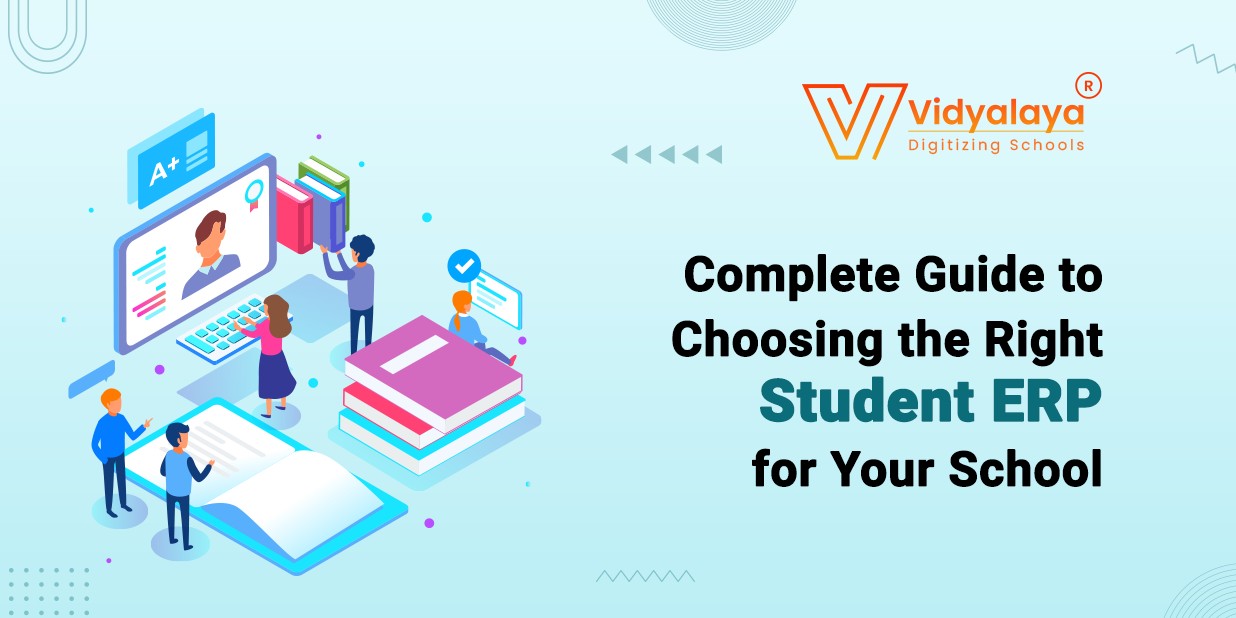
A while back, I helped a school in a small town to modernize its day-to-day systems. You know what their “system” looked like at the time? Spreadsheets, paper registers, WhatsApp groups for announcements, and a whole lot of manual follow-ups. The staff was doing their best, but they were exhausted—and things were slipping through the cracks.
What they really wanted wasn’t fancy tech. Just one place to manage everything. That’s when we started looking at the Student ERP software.
And if you’re running or managing a school today, you’ve probably come across the term too. Maybe you’re wondering what it really means—or how to pick one that won’t give you a headache later.
Let’s break it down. No tech jargon, no sales fluff. Just the real stuff you need to know.
What Is a Student ERP?
In plain English: a Student ERP is software that acts like the nerve center of your school’s operations.
It ties together different bits—like admissions, attendance, fees, results, transport, communication, and maybe even the school library—into one platform. So, instead of jumping between 7 apps and 12 spreadsheets, everything’s in one spot.
Some of these systems are basic (just attendance and grades), while others go big—offering things like cloud access, dashboards, analytics, notifications, mobile apps, and more.
Bottom line? Good Student ERP software helps everyone do their job better. Teachers, admin staff, parents, and even students.
Why Schools Are Adopting ERPs More Than Ever?
Things have changed. A few years ago, you could run a school on notebooks and notice boards. Today, that’s just not realistic.
Parents expect real-time updates—on everything from homework to transport delays. Teachers want easier ways to manage classes and track progress. Admins? They need reports, compliance-ready data, and fewer fires to put out.
And with hybrid learning, online exams, and rising enrolment demands, schools are under more pressure than ever. Tools like School ERPs, or online student management systems, are stepping in to handle the chaos.
It’s not about replacing people. It’s about helping them manage better.
But Choosing the Wrong ERP? That’s a Real Risk.
Here’s the part most people don’t say out loud: not all ERPs are a good fit. In fact, I’ve seen schools that were better off with their old systems—because the new ERP just made everything more complicated.
Some platforms are too clunky. Others try to do too much and end up confusing everyone. Sometimes it’s just poor support. Whatever the reason, a bad fit leads to low adoption. The staff stops using it. Parents ignore the app. And you’re stuck with something that eats up your time and budget.
So, it’s not about having an ERP. It’s about finding one that actually works for your school.
What Should You Look for in a Student ERP?
Here’s a list that comes from real experience—not a sales brochure:
1. Ease of use—for everyone:
If teachers need training just to mark attendance, or if parents can’t log in without calling the office, that’s a red flag. Good software feels simple.
2. Compatibility with what you already use:
Already using Tally for accounting? Google tools for email and Docs? Your ERP should either integrate or not get in the way. The fewer manual imports and exports, the better.
3. Cloud-based, ideally:
You want people to be able to log in from home, from their phones, or when they’re off campus. Cloud makes that easier—and it usually means updates happen automatically.
4. Data security and privacy:
You’re dealing with student records. That includes names, photos, medical info, and sometimes even bank details. So yeah, this stuff needs to be secure. Role-based access, encrypted storage, backups—you’ll want all of it.
5. Useful reports:
Data should lead to insights. Whether it’s spotting a student who’s missing too many classes or checking fee dues, your ERP should help you see what’s going on, not just store information.
Questions Schools Often Forget to Ask (But Should):
When you’re shopping around, vendors will demo all the best features. But here are some practical questions worth asking:
- Can we test it before buying it?
- What happens if we decide to change systems in a year?
- Do you help with moving our existing data?
- Is there weekend or after-hours support?
- Does the system have a working mobile app (not just a website shortcut)?
Asking these up front can save you from serious regrets later.
One More Thing: Get Your People Involved Early
One of the biggest mistakes schools make? Picking an ERP for Educational Institutions without checking how teachers and admin staff feel about it.
Even the best ERP will fail if the people using it don’t understand it or don’t like it.
Let your team test it. Get feedback. See what works and what doesn’t happen before you commit. Because if the system feels forced, adoption will drop. And that brings you back to square one.
Final Thoughts:
Selecting the right Student ERP is a critical decision that can transform your school’s efficiency, communication, and overall management—but only if you choose a system designed to fit your unique needs. As we’ve seen, the right ERP isn’t just about technology; it’s simplifying day-to-day operations for teachers, administrators, parents, and students alike.
At Vidyalaya School Software, we understand these challenges firsthand. Our solution is built with real schools in mind—easy to use, fully compatible with your existing tools, secure, and supported by a dedicated team that’s with you every step of the way.
Ready to see how Vidyalaya can make a difference? Contact us today for a free demo and consultation—because the right ERP can change everything.