











 /
5.0
Rating
/
5.0
Rating

 /
4.9
Rating
/
4.9
Rating









 Lets Talk Ai


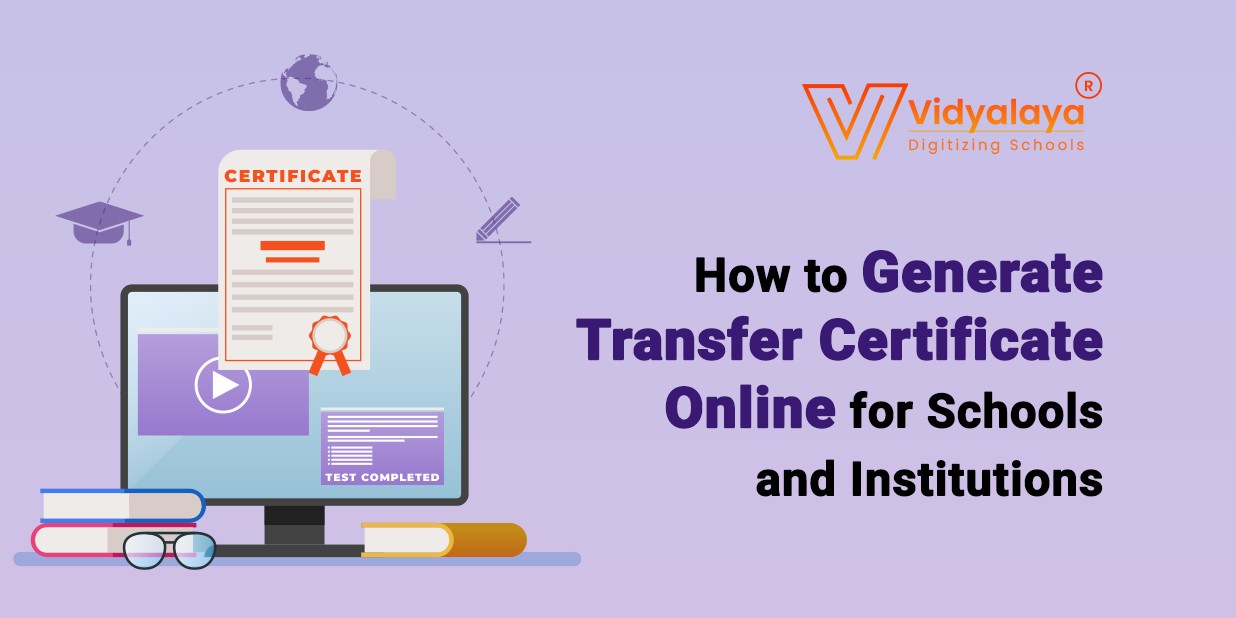
You’re running a school or working in one, and there’s this constant stream of paperwork that just never ends. Admissions, reports, fee receipts, and then there’s the Transfer Certificate—the TC. It’s one of those things that seems easy… until you have to do it fifty times in a week.
So, yes, schools have been doing this on paper for a long time. But now, with everything going digital, there’s finally a smarter way to handle it. You can now generate a Transfer Certificate online, without messing around with Word templates or old registers.
And honestly, it’s a relief.
What is an Online Transfer Certificate, anyway?
Basically, it’s the same document schools always give when a student leaves. It has the name, class, date of leaving, reason for transfer, and a few formal lines that make it official.
The only difference? It’s all done digitally now.
You go into the school system or use a tool that acts like a Transfer Certificate generator, and boom—it pulls the info, formats it, and gets it ready to print. That’s what we call an Online TC. No need to type the whole thing from scratch each time.
Why Are Schools Switching to Online TCs?
Let’s face it: nobody has time to fill in the same format over and over again. And when hundreds of students transfer during an academic year, it becomes a mini nightmare for the admin staff. This is why TC software is becoming a quiet hero in schools.
More institutions are realizing that having an Online Transfer Certificate Generator isn’t just a nice-to-have—it’s essential now. It’s faster, more accurate, and way easier to track. Most systems also store the TCs, so if a parent asks for it again after six months, you don’t have to dig through dusty files.
Does It Actually Matter That Much?
Yes. Here’s why. Imagine a parent comes in, in a rush, asking for their child’s TC so they can join a new school. The pressure’s on. You pull up the student’s records, hit “generate,” and hand it over in five minutes. That’s the level we’re aiming for.
No typos. No missing info. No delays.
When schools move to using an online transfer certificate system, it shows professionalism. It also means fewer mistakes and better documentation.
How It Works — Step by Step
I’ll break it down the way someone in an actual school office would do it:
- Log in to the portal or TC software – Usually, this is part of the School ERP or management system.
- Find the student’s profile – Most systems let you search by name or roll number.
- Select Generate TC – The software usually auto-fills the form with existing student data.
- Check everything – Like dates, conduct, and reason for leaving. Add anything extra if needed.
- Click generate/download – You’ll get a clean PDF copy, ready to print and sign.
- Store a digital copy – Just in case. Most tools do this automatically.
Some schools even add their seal and signature digitally—so the whole thing can be emailed too.
Advantages:
- You don’t have to type the same template every time.
- It reduces human errors—especially in names, dates, etc.
- Certificates are stored for future access.
- It just looks more polished.
And if you’re dealing with bulk transfers—say, when a full batch passes out or migrates—you can even generate multiple TCs at once in some systems.
What to Look for in a TC Generator?
If you’re choosing a system, don’t overthink it. Look for these basics:
- Easy interface
- Pulls student data directly
- Customizable format (logo, header, etc.)
- PDF export
- Storage of old certificates
That’s really all you need.
Some online TC tools are part of full-fledged school software, but others work as standalone options. If your school doesn’t want a whole ERP setup, go for a simple transfer certificate generator online.
Conclusions:
Implementing an efficient, user-friendly online Transfer Certificate (TC) generation system not only streamlines administrative tasks for schools but also enhances the overall experience for parents and students. At Vidyalaya School Software, we understand the unique challenges educational institutions face in managing student records and documentation. Our comprehensive school management software includes a robust TC generation module designed to simplify this process, reduce errors, and save valuable time.
By adopting our digital solutions, schools can move towards a paperless, faster, and more transparent workflow, improving communication with parents and boosting institutional credibility. If you’re looking to modernize your school’s administrative functions and provide hassle-free services like online Transfer Certificate generation, Vidyalaya School Software is here to help.
Contact us today for a demo and see how our software can transform your school management system into a more efficient, tech-savvy operation.