










 /
5.0
Rating
/
5.0
Rating

 /
4.9
Rating
/
4.9
Rating









 Lets Talk Ai


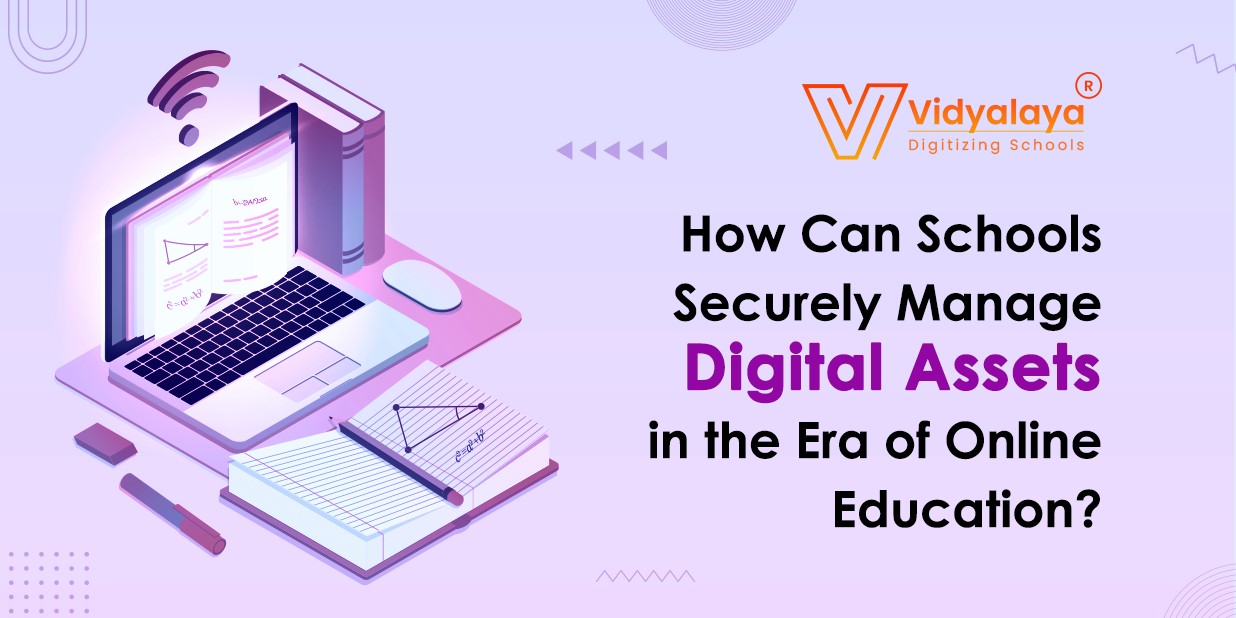
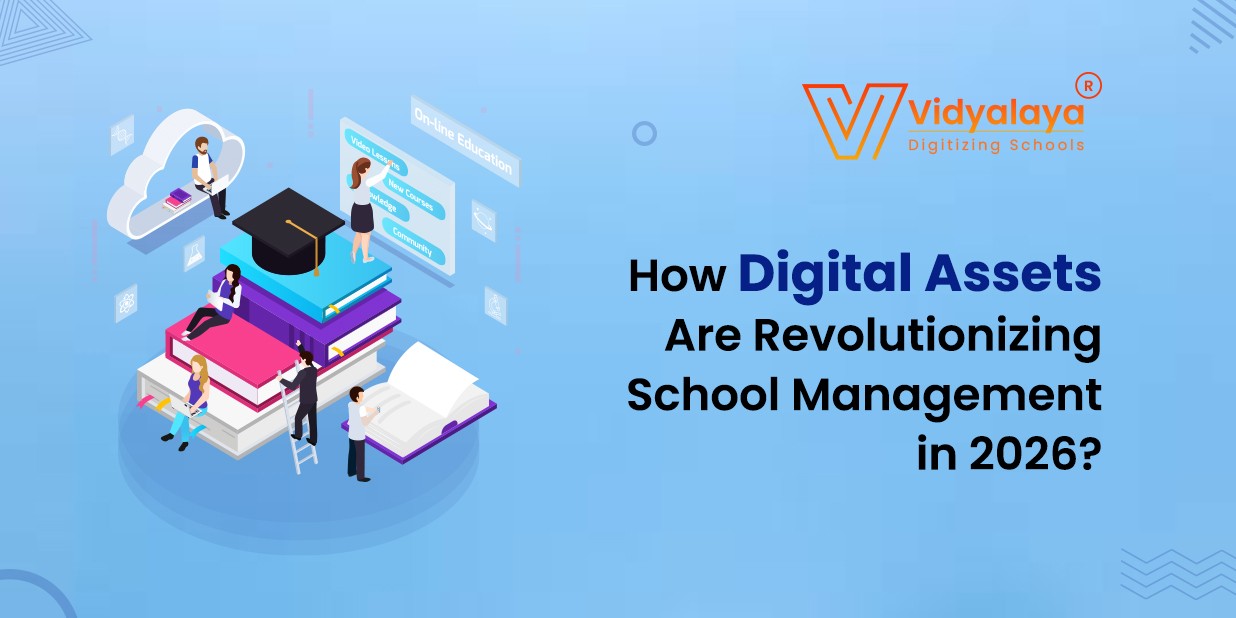
These days, schools deal with a lot of digital stuff—videos, student assignments, lesson slides, scanned notes, you name it. All of that is called digital assets. Managing these files properly has become kind of a big deal. That’s where something called digital asset management comes in. Whether it’s through digital asset management software, a full digital asset management system, or even hiring someone for digital asset management services, schools are trying to stay organized and safe in the digital world.
Why Does This Even Matter?
Let’s face it—education has changed. A lot. Not too long ago, everything was done with paper, pencils, and maybe a chalkboard. Now, there are video lessons, online quizzes, recorded meetings, cloud storage, and digital textbooks.
So, here’s the thing: when everything is digital, keeping track of it all becomes way harder. Files can go missing. Students might get sent the wrong thing. Teachers might lose hours trying to find something they created last year. Worse? If private info gets into the wrong hands, it’s a big deal. That’s why schools are starting to use smarter ways to keep everything in one place.
What Is Digital Asset Management?
It’s basically a fancy term for organizing your digital files better. That’s it.
But don’t underestimate it. A good digital asset management setup is like a super-organized filing cabinet, but online. Teachers can store lesson plans, videos, and worksheets in one place. Students can download what they need without waiting for someone to email it. And admins? They can keep sensitive documents (like grades or reports) locked up, but they are still easy to find when needed.
Some schools use DAM software. Others set up whole systems. And for schools without a tech team, some services handle it all for them.
Why Are Schools Doing This?
Here’s a quick example. Let’s say a middle school teacher has been creating amazing video lessons all year. They’re stored on her laptop. One day, the computer crashes—and it’s all gone.
With a DAM system, that wouldn’t happen. Everything would be backed up and safe. Plus, other teachers might be able to reuse those lessons. It saves time, stress, and resources.
More reasons why schools are getting into this:
- One place for everything: No more searching across USBs, emails, or random Google Drive folders.
- Better security: Keep student info private, with controlled access.
- Remote-ready: If students are learning from home, everything’s still available online.
- Cleaner workflow: Teachers spend less time organizing and more time teaching.
What Makes a Good DAM System?
Okay, not every school needs a super complex system. But some features are just helpful:
- You can control who sees what. Like, maybe a student can only access homework files, but teachers can see the full lesson plan folder.
- You can search by keywords or tags. Super handy when you have years of content.
- Files are stored in the cloud, which means they’re safe even if a computer dies.
- You can track file versions. If someone updates a document, you can go back to the old one if needed.
Also, some tools work well with apps schools already use—like Google Classroom or Teams. That makes it easier for everyone.
Real-World Stuff:
A small charter school in Oregon started using a basic DAM tool last year. Before that, teachers saved their stuff on personal drives. The principal said it got confusing fast. Files were lost, some students got the wrong versions of assignments, and there was no real backup.
Now, they use a shared folder system with tagging and permissions. Teachers upload their materials, students know exactly where to go, and admins can monitor file access. Simple, but effective.
Where Is This All Going?
Let’s be honest—online learning isn’t going away. Even when classrooms are full again, there’s always going to be some digital element involved. More schools are recording classes, sharing digital resources, and keeping records online.
In the future, these systems will probably get even smarter—maybe using AI to organize files or automatically tag content. But even now, just getting started with a basic digital asset management setup can make a huge difference.
Wrapping It Up:
As schools continue to embrace digital learning, managing digital assets isn’t just a “nice-to-have” anymore—it’s essential. A well-structured digital asset management system helps educators save time, reduce errors, protect sensitive data, and create a smoother experience for students and staff alike. Whether it’s storing lesson plans, backing up video content, or keeping student information secure, the right DAM approach brings order to digital chaos.
At Vidyalaya School Software, we understand the growing digital needs of modern schools. That’s why we help institutions implement smart, secure, and user-friendly solutions to manage their digital resources with ease. The future of education is digital—make sure your school is ready.